Access a Printer in the Office
If you need to print while working in the office, you can access the copier/printer in the copy room using your laptop. You may also have access to a printer located near you in your area, if one is available in your designated office space.
To print from Word, PDF, etc., select Print and then select “Ricoh IM C6010 Copier.” If another printer is located near your office space, an additional printer name will be available to select.
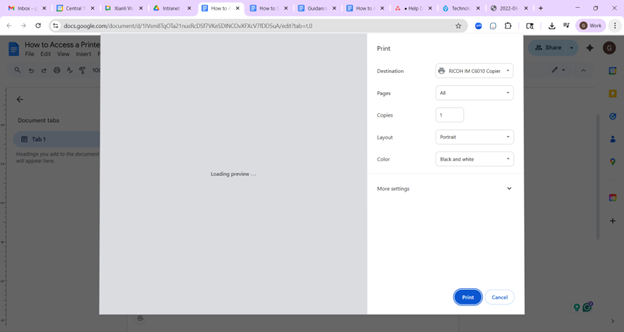
You can also type Printers into the search bar on your laptop and press Enter.
Select Refresh.
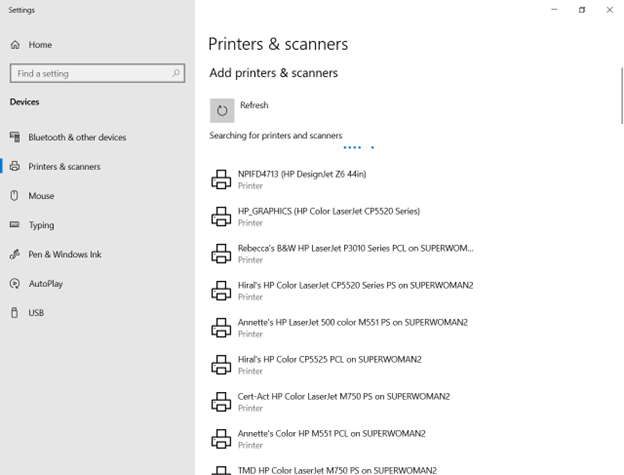
Once you have located a printer you wish to add select Add Device.
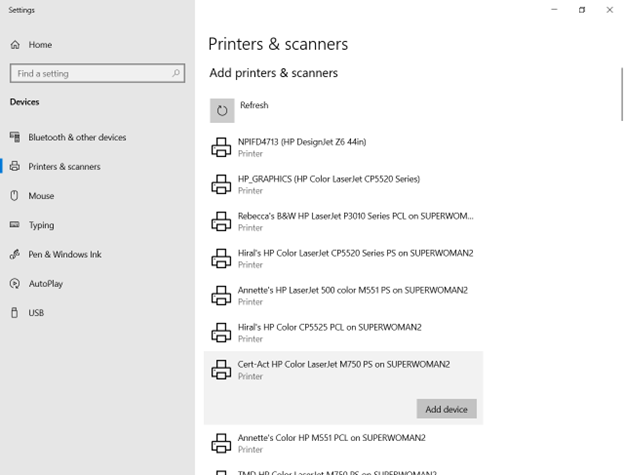
The printer should now be added to your laptop.
If you need further assistance, please contact [email protected].